A power meter turns every ride into a number you can repeat. You find your functional threshold power, turn it into training zones, ride to a specific wattage inside those zones, then read the file afterwards to see whether the work is making you faster. Most of the skill is setup, and the rest is patience.
Riders on r/cycling and CyclingForums say the same thing over and over: the meter itself changes nothing, the pacing discipline does. Once you stop riding every session at maximum effort, the data starts paying you back.
Here is the whole process in four steps:
- Install and pair the meter, then confirm it reads zero when you are not pedalling.
- Test your functional threshold power and turn it into five training zones.
- Ride to a wattage target in the zone you planned, not the one that feels good.
- Compare the same workout week to week, and only then adjust the plan.
Most people who get this wrong skip step two and try to guess their zones from feel. That is where the process falls apart, so it is worth doing properly the first time.
Table of Contents
- What You Need for How to Use a Power Meter for Training
- Step-by-Step
- How to Set Power Zones for Your Training
- How to Read a Power Meter During a Ride
- How to Use Power Data to Adjust Training
- Common Mistakes
- Frequently Asked Questions
- How accurate do bicycle power meters need to be?
- Should I use FTP or average power for training?
- How often should I recalculate my power zones?
- Can I use a power meter for indoor cycling training?
- What is a good cadence when training with power?
- Is power data enough to decide whether a cyclist is improving?
- Start with One Simple Measurement
What You Need for How to Use a Power Meter for Training
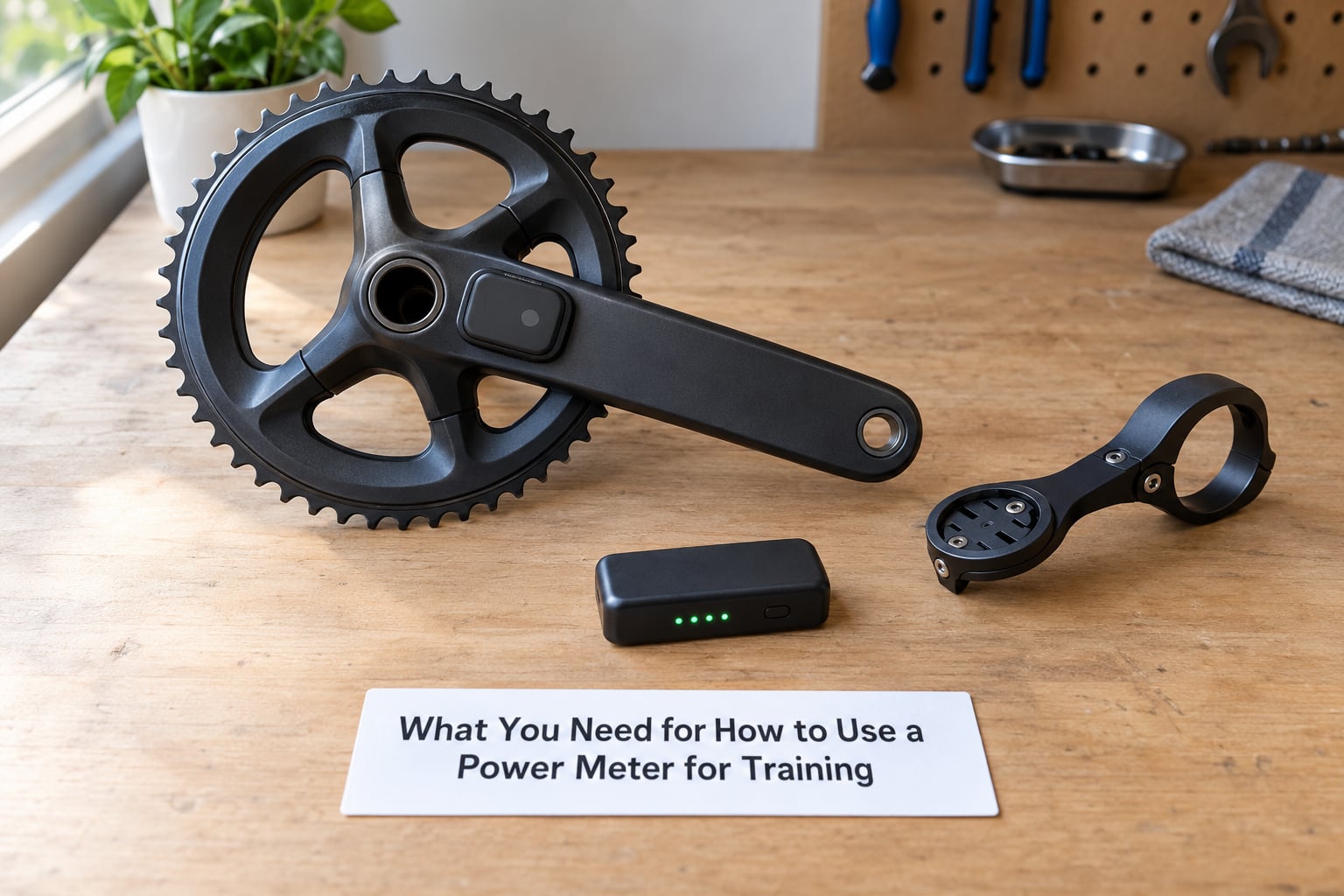
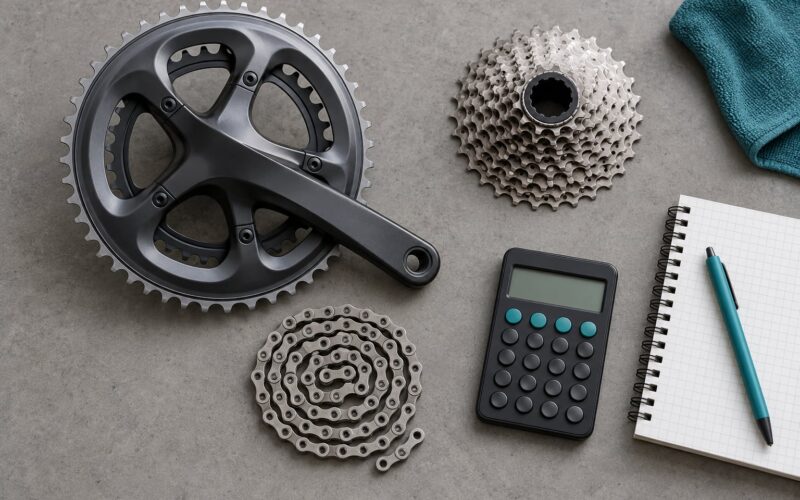
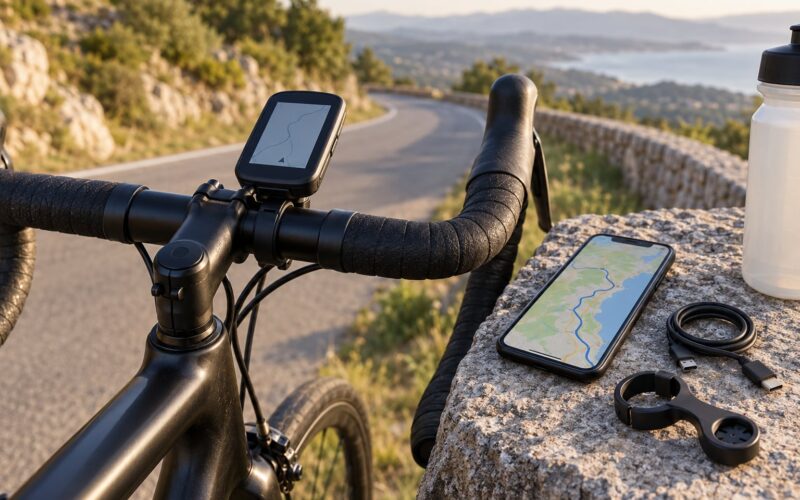
You need three things: the meter itself, something to display the data, and ten quiet minutes of setup. The head unit can be a bike computer or a phone on the bars, and the phone option costs nothing while you work out whether you like looking at numbers at all.
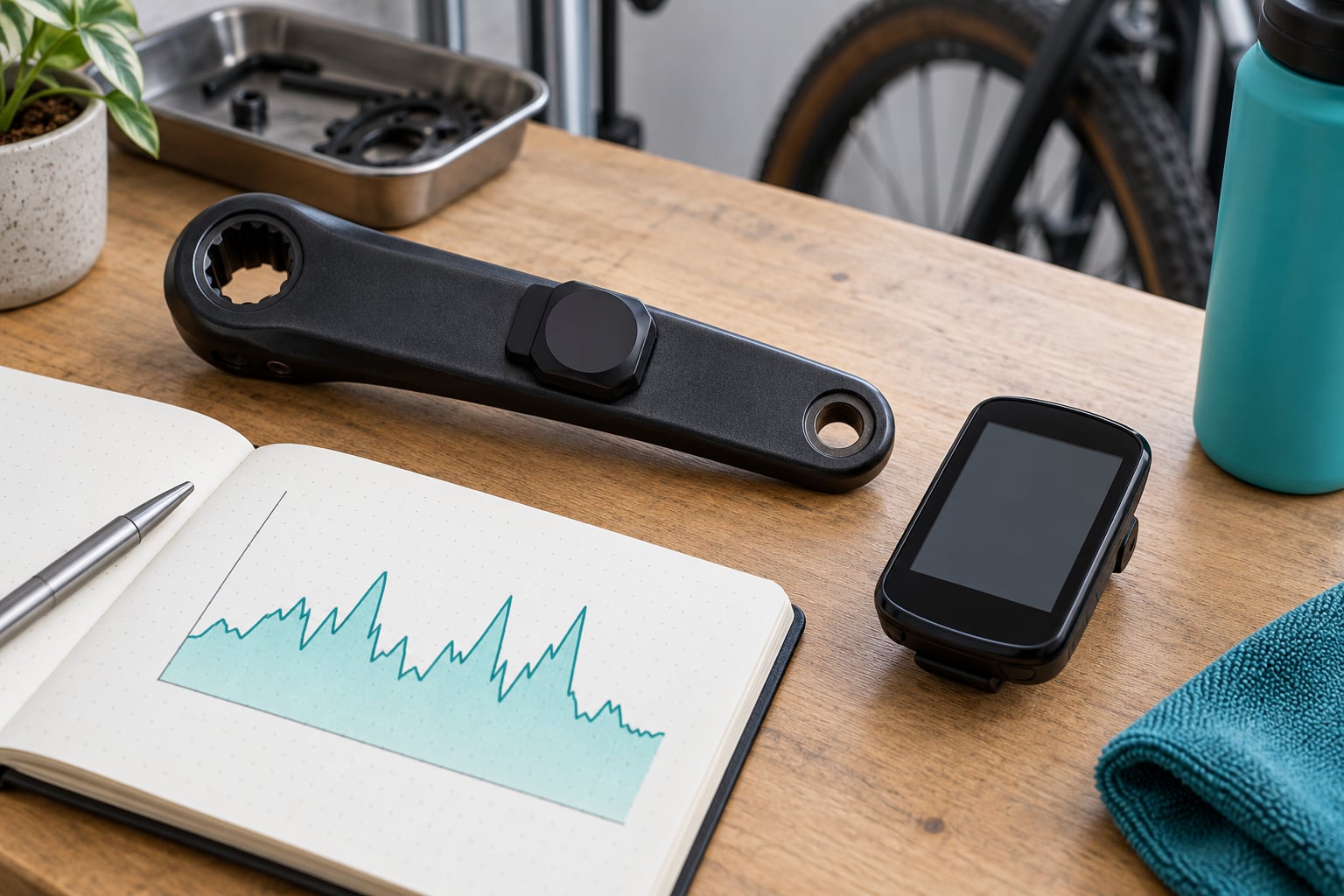
Power meters measure twisting force at the crank, pedals or rear hub using strain gauges, then multiply that force by your cadence to produce watts. Knowing where it lives on the bike matters, because it changes what it reports.
- Crank-based meters bolt into the non-drive side or replace the crank arms. They read what you put through the pedals, which is the most repeatable number you can get, and they keep working through mud because nothing spins.
- Pedal-based meters clip into the pedals, usually as a single-sided unit. They read the same thing as a crank meter and are the easiest to move between bikes, so many riders keep the same sensor in three different pairs of shoes.
- Rear hub meters measure torque at the wheel, so their reading rises on descents and drops under a tailwind. They are the least repeatable of the three and the hardest to use for intervals.
Single-sided meters report the total from one side. Dual-sided meters add a balance figure showing the split between the two sides. For training decisions the total is what matters, so a single-sided unit is plenty unless your coach has asked for balance data.
Before you ride, run these checks. They take one session and prevent months of confusing numbers.
- Pair the meter to the head unit and confirm the reading changes when you pedal backwards.
- Install the correct crank length, tighten the bolts to the torque printed on the crank, and check the arm does not move by hand.
- Sit still for a minute and watch the reading sit at zero. A drifting zero is the most common reason riders quietly lose accuracy.
- Update the firmware on both the meter and the head unit, then re-zero.
- Keep spare batteries or a charger in the saddle bag, because a meter that dies at the end of a long ride records nothing.
Write your test date on the frame or in a note on your phone. When your numbers shift later, knowing the last calibration point is the difference between a real fitness change and a sensor that has drifted.
Step-by-Step
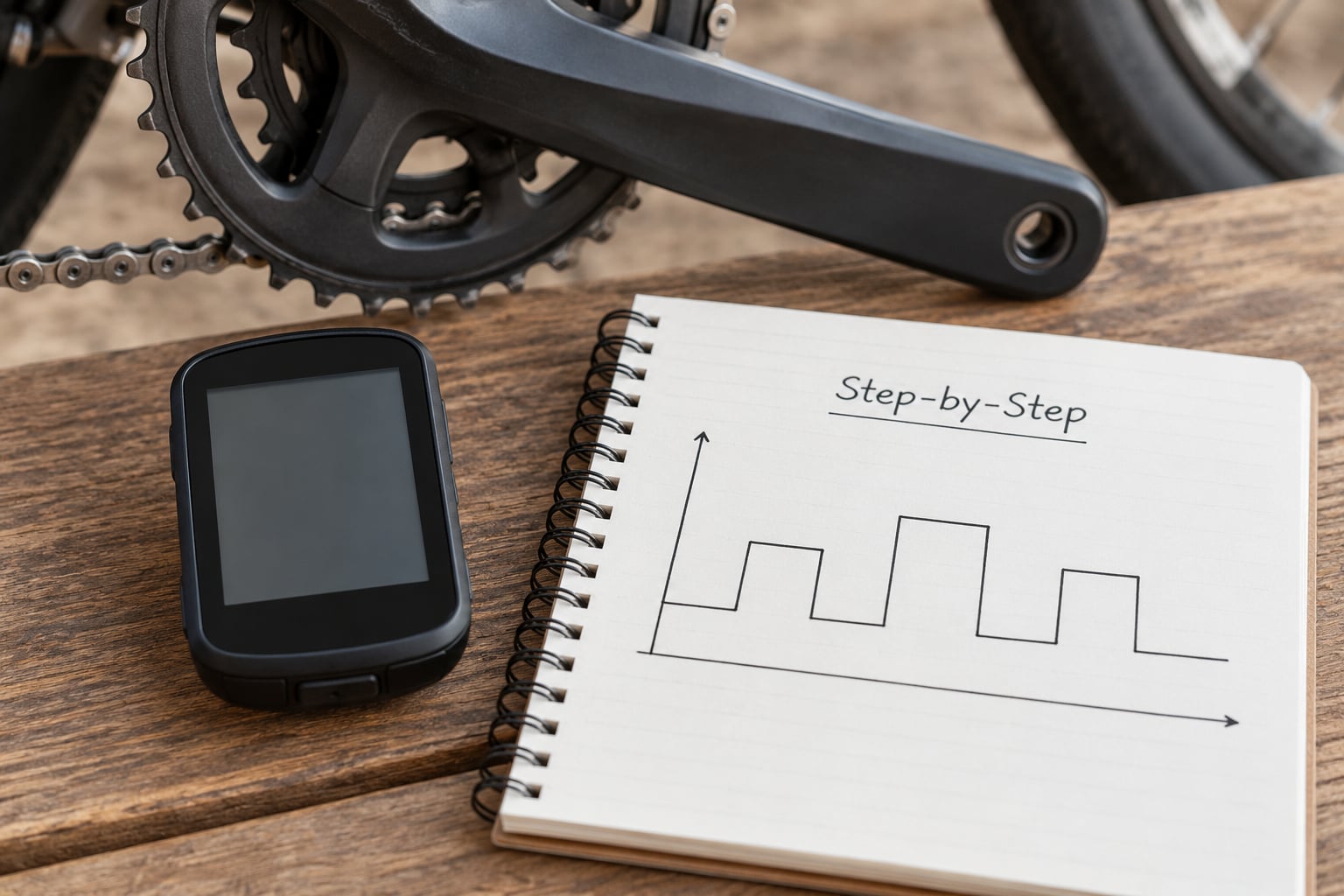
Once the hardware is trusted, the work becomes a loop: test, set zones, ride, review. Each pass gives you a slightly better picture than the last, and the loop is worth more than any single hard session.
How to Set Power Zones for Your Training
Training zones are just percentages of your functional threshold power, the highest average wattage you can hold for about an hour. The fixed-wattage idea misleads riders because FTP moves as fitness changes, and a zone table printed last spring quietly stops matching the rider who is now stronger.
Here is the standard five-zone model, shown at an example FTP of 200 watts. Multiply each band by your own number.
| Zone | Percent of FTP | Watts at 200W FTP | How it feels | Example session |
|---|---|---|---|---|
| Z1 Recovery | 0-55% | 0-110 | Very easy, soft pedalling, you could hold a long conversation | 30-60 minutes after a hard day |
| Z2 Endurance | 56-75% | 112-150 | Easy and steady, talking in full sentences | 90 minutes to 3 hours, the bulk of your week |
| Z3 Tempo | 76-90% | 152-180 | Comfortably hard, short sentences only | Steady state block of 45-60 minutes |
| Z4 Threshold | 91-105% | 182-210 | Hard, a few words between breaths | 3 x 10 minutes with 5 minutes easy |
| Z5 VO2 max | 106% and above | 212 and up | Very hard, counting your breaths | 5 x 3 minutes at 115-120% of FTP |
That 75% figure at the top of Zone 2 is where the popular 75 percent rule comes from: most riders are meant to spend roughly three quarters of their riding time at or below that number. It is a guide for balance, not a magic target, and a rider coming back from injury or illness will need a season of the same discipline before it means anything.
One rider can see different zone boundaries in different apps, because the five-zone model, a six-zone model and a seven-zone model all exist. Enter your FTP into your main platform and note the percentage at each boundary, then stay in that system rather than switching mid-season when the numbers stop matching.
Find your FTP with one of these protocols:
| Test | How it runs | FTP estimate | Good for |
|---|---|---|---|
| 20-minute test | 20 minutes as hard as you can hold after a long warm-up | 95% of the 20-minute average | Most riders, the widest agreement between systems |
| 12-minute test | 12 minutes hard, usually uphill or on a trainer | 92% of the 12-minute average | Riders who hate a 20-minute effort |
| Ramp test | Ramp up about 20 watts a minute and stop when you fail | Roughly 80% of your final one-minute power | Riders who want a low-strain test, or a fresh one after a block |
| 60-minute test | One hour as hard as you can ride | Around 80% of the 60-minute average | Confident riders, rarely needed |
Do the test in a repeatable state: same time of day, rested, hydrated, and after a familiar warm-up of at least 15 minutes. On a trainer, note that ERG mode holds your wattage steady and the last few minutes become a head-to-head fight with the fan, which many riders find less representative than an outdoor test.
Retest every six to eight weeks, and skip a retest if you have changed something else in your life, such as your weekly volume or your sleep. A number taken in a different shape than normal is not a fitness signal.
How to Read a Power Meter During a Ride
While riding, you need four numbers and you can ignore the rest. If your head unit is showing eight fields, cut it back to those four and ride with less to think about. Riders who are still learning how to use a power meter for training get far more out of four fields they understand than out of a screen full they never read.
- Current power, smoothed over 3 seconds for climbing and 30 seconds for steady efforts, so the display does not flicker on every pedal stroke.
- Target power or a zone colour, which is the number that makes a workout work.
- Time in zone, so you can see the shape of the ride rather than one average.
- Cadence, because a target wattage at a sensible cadence is reproducible and at a grinding one is not.
Afterwards, look at the shape of the power trace rather than the average. A 60-minute ride at a steady 150 watts is a different session from a 60-minute ride that alternates between 90 and 260, and the average will hide that completely.
Normalized power smooths the spikes out and expresses the ride as the power you could have held steadily for the whole time. It sits above average power whenever the ride was variable, which is why it belongs next to the average rather than instead of it.
Intensity factor is normalized power divided by FTP, so a value of 0.8 means you averaged the equivalent of 80% of your FTP for the whole ride. Training stress score multiplies duration by intensity factor squared, and it is the field worth watching across a season, because a 100 in week one and a 60 in week two is a planned recovery week rather than lost fitness.
Peak power matters for one thing: sprints and short climbs. A rider with 1,400 watts for ten seconds is doing something different work from a rider with 900, and the number tells you which of the two your sprint training should target.
Compare your zones with heart rate while you learn them. Power is the instruction, heart rate is the lagging response to it. In cool weather with a rested rider the two line up; on a hot day, at altitude, or when you are already deep in a training block, heart rate drifts up by five to ten percent at the same wattage, which is normal.
That lag cuts both ways. If you set an interval by heart rate, you often blast the first two minutes and then fade, because heart rate is still catching up when the effort has already gone. Power tells you the truth within a second.
How to Use Power Data to Adjust Training
Power is only useful if you compare like with like. Pick one workout, run it again four to six weeks later in the same conditions, and compare the two files. That is the entire method: same session, same time of year, same life.
Compare these four things between the two rides:
- Average power and normalized power over the identical section of the workout
- How long you held the hardest interval before your power fell away
- Total time at or above 95% of FTP
- Your own rating of effort on a 1 to 10 scale, logged at the time
That last line is the one riders skip and the one that makes everything else interpretable. If watts are identical across two months and you rate the second ride a 6 out of 10 instead of an 8, you have found recovery. If watts dropped 15 watts and your effort felt the same, heat, illness or a failing battery is a more likely explanation than lost fitness.
Keep a weekly log of hours, training stress score and how you felt. Fitness, fatigue and form graphs in most platforms draw those three series so you can see load building, then the compensation week, then the improvement. The pattern over eight weeks tells you far more than any single ride.
A sample week for a rider with a 250 watt FTP, built on the 80/20 idea of mostly easy riding:
| Day | Session | Zone | Target |
|---|---|---|---|
| Monday | Recovery spin | Z1 | Under 135 watts for 45-60 minutes |
| Tuesday | Sweet spot intervals | Z3-Z4 | 4 x 12 minutes at 225-235 watts, 8 minutes easy |
| Wednesday | Endurance ride | Z2 | 140-185 watts for 90 minutes to 2 hours |
| Thursday | Off or an easy walk | – | No numbers to chase |
| Friday | VO2 max block | Z5 | 5 x 3 minutes at 290-300 watts, 5 minutes easy |
| Saturday | Long endurance ride | Z2 | 3-5 hours holding 140-185 watts, mostly seated |
| Sunday | Group ride or easy spin | Z1-Z2 | Let the group set the pace where possible |
Long rides are where most riders need power guidance most, and where a century or gran fondo punishes a fast first hour. Set a ceiling, something like 70-75% of FTP for the first 90 minutes, and stay under it even when the group pulls away. The same tool keeps the second half honest, because you know exactly what you spent in the first.
On an indoor trainer, a crank or pedal meter can drive ERG mode, holding your target wattage regardless of how hard the pedals are turning, and that removes the guessing from interval sessions. Some trainers also pair directly to the meter and use its reading instead of their own sensor. On a dumb trainer you have no resistance control, so power is the only cue you have, which makes it more valuable rather than less.
Common Mistakes
- Comparing watts with other riders. Meters differ by several percent in calibration, and a rider on a crank meter and a rider on a hub meter are not measuring the same thing. Compare yourself to yourself. Fix: re-test FTP on your own hardware and use that number.
- Changing zones every week. If your zones move with every ride, no trend is ever visible. Fix: set zones from a fresh test, then hold them for six to eight weeks.
- Trusting a zero you never checked. A meter that reports 20 watts while you are sitting still quietly steals from every interval. Fix: sit still for a minute before each ride and re-zero when the drift exceeds a few watts.
- Chasing short-term data. A bad morning after one hard session says almost nothing about your fitness. Fix: judge a change over six to eight weeks, and always alongside how you felt and how you slept.
- Ignoring everything that is not power. Heat, illness, alcohol, poor sleep and under-fuelling all drop your watts without touching your fitness. Fix: check the conditions before you change the training plan.
- Studying the balance figure on a single-sided meter or the two-side split for months. A few watts of difference between the two sides is normal anatomy, not a diagnosis. Fix: only chase balance when it is costing you time or you have a specific injury history.
- Trying to hold a target by staring at the screen. Eyes on the road, glance every few minutes. Fix: set a lap or a 10-minute checkpoint instead of watching a moving number.
- Adding intensity to fix a fitness plateau. More hard riding rarely is the answer. Fix: add easy volume, or take a week off, and re-test afterwards.
Frequently Asked Questions
How accurate do bicycle power meters need to be?
Good meters hold within 1-2% of a lab reference over a ride, and that is accurate enough for zone training. You do not need laboratory-grade gear. What matters more is that your own reading is repeatable: same ride, same watts, week after week. Check the zero before riding, keep the crank bolts tight, and if a number suddenly moves, re-test before you change your zones.
Should I use FTP or average power for training?
Use FTP to set zones, and use average power to describe what you actually did on a ride. FTP is the anchor, because every zone is a percentage of it. Average power tells you about one session. Normalized power is the better number for comparing rides of different lengths and shapes, since it smooths out surges. Most riders check the average on the way out of the door and the file afterwards.
How often should I recalculate my power zones?
Retest every six to eight weeks during a normal training block, and at the end of any block of two or three months. Skip a retest if your sleep, work or volume has changed dramatically, because the number will reflect that instead of your fitness. When your zone 2 ceiling sits above about 80% of your fresh test, your zones are stale and your easy days have quietly turned hard.
Can I use a power meter for indoor cycling training?
Yes, and indoor work is where power data is cleanest because conditions never change. A crank or pedal meter paired to a smart trainer can drive ERG mode, holding your target wattage no matter how hard you are pedalling. If ERG mode keeps dropping out, check for sensor conflicts and update the firmware on both devices. On a dumb trainer, power is the only intensity cue you have.
What is a good cadence when training with power?
Most riders settle between 80 and 100 rpm, and sitting nearer that band makes a wattage target far more repeatable. Cadence that collapses below about 70 rpm usually means the target is above what you can hold smoothly, so lower the watts rather than grinding. Cadence above 110 rpm is fine in short efforts, but holding it for an hour at a high target is hard on most riders and rarely worth it.
Is power data enough to decide whether a cyclist is improving?
Power shows what you did, not what you got out of it. You need a repeated workout, a trend over six to eight weeks, and your own log of how the effort felt. When the same interval holds a higher average with a lower perceived effort, that is real progress. If watts fall on an easy day, look at heat, sleep and illness before assuming you have lost fitness.
Start with One Simple Measurement
Do one thing this week: run a 20-minute test, multiply the average by 0.95, and write that number down. Set your five zones from it, then ride the same session twice, four to six weeks apart, and compare the two files.
That single measurement is the foundation of learning how to use a power meter for training properly. Once it is in place, the rest is repetition, and every workout you log in 2026 adds one more data point to a trend that only works if you keep showing up to collect it.